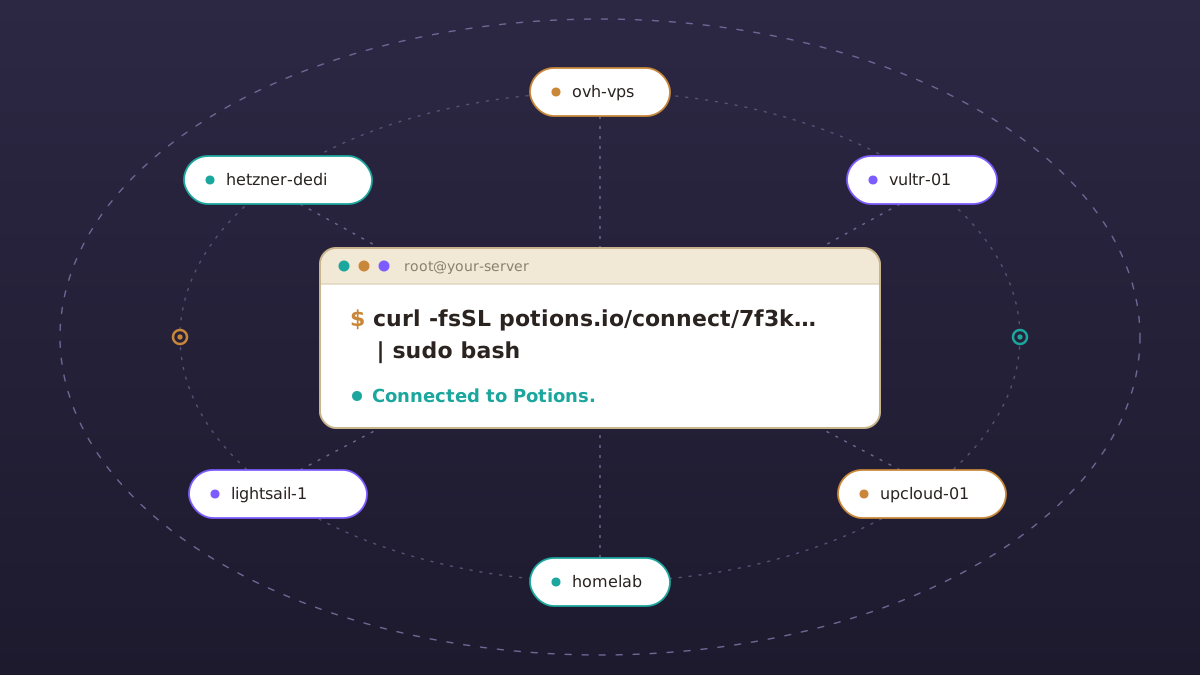
It's a big day at Potions: you can now use your own server. Run one command on a fresh Ubuntu 24.04 server from any provider and Potions sets it up and deploys to it like a server it created.
Until now, Potions could only deploy to servers it created for you in your DigitalOcean or Hetzner Cloud account.
Why bring your own server
The goal is for Potions to be the best way to deploy Elixir apps, and that means working where you are.
- Use the server you already have. Pick the provider, country and hardware that suit your app: a server at Hetzner, DigitalOcean, OVH, Infomaniak, Vultr, UpCloud, Linode or Scaleway, or a machine of your own.
- Stay with an approved provider. If your organization only allows certain vendors, Potions now works with them.
- No cloud account to connect. Potions doesn't need API access to your provider, only SSH to the server.
How it works
- On the dashboard, click Add server and choose Your own server.
- Read and confirm the list of changes Potions will make.
- Run the generated command on your server.
curl -fsSL https://potions.io/connect/<token> | sudo bashFrom there, it's the same as a server Potions creates. In about five minutes, Potions sets it up with Caddy and automatic SSL, PostgreSQL or SQLite, a firewall and automatic security updates. Then you're ready to deploy.
About piping curl into bash
You should know what you run on your server, so here's what the script does and doesn't do:
- It checks first. If the server isn't a fresh Ubuntu 24.04 install on x86_64, the script tells you why and changes nothing.
- It makes one change. If every check passes, it adds Potions' public key to root. Your existing keys stay, and Potions never asks for a password.
- Potions pins the host key. The script reports the server's SSH host key, and Potions refuses to connect if the server ever presents a different one.
Potions also gives you a link to view the script before you run it.
What works
A server you bring gets everything an app server on Potions does: deploys, domains and SSL, backups, SQLite and Litestream, scheduled tasks, health checks, logs and the console.
Database servers, load balancers and clusters still need a server Potions creates, because they rely on private networking at DigitalOcean or Hetzner. For now, apps on a server you bring use PostgreSQL or SQLite on the server, or an external database.
Get started
Ready to bring your own server to Potions? The Bring Your Own Server docs cover the requirements, provider firewalls and troubleshooting. New to Potions? It deploys Phoenix apps to servers you own, and the first 14 days are free.
Happy deploying!
Deploy Elixir to servers you own.
Potions gives you push-to-deploy, zero-downtime releases and managed servers, with the control of plain infrastructure.
Start 14-day free trial